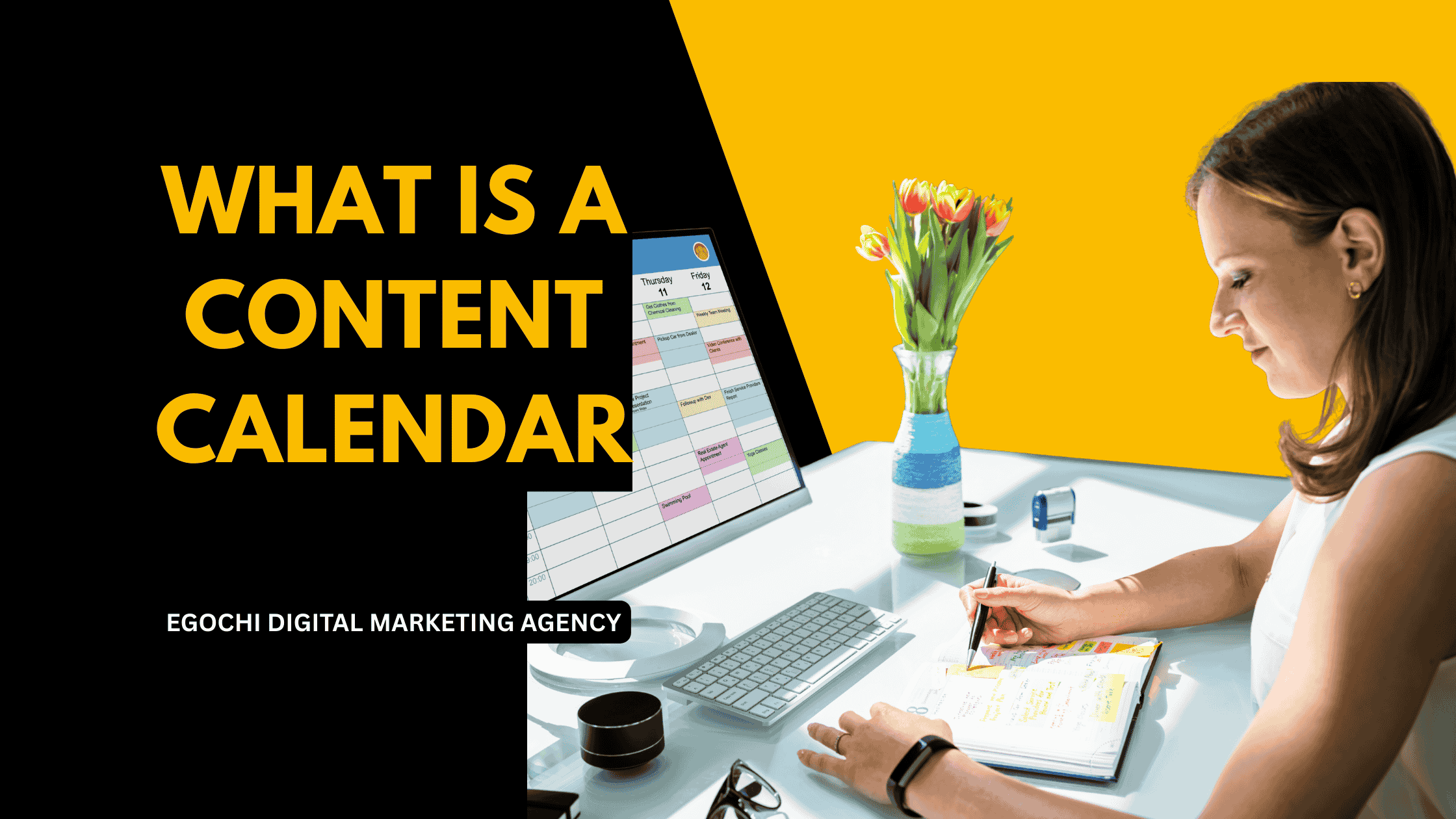
A content calendar is a planning tool that organizes when and where you’ll publish content, including blog posts, social media updates, emails, videos, and other marketing materials. Also called an editorial calendar, it provides a visual overview of your upcoming content, helping teams stay organized, maintain consistency, and align content with marketing goals and key dates.
Content calendars are essential for any content strategy because they transform random posting into strategic publishing. Whether you’re managing a blog, social media accounts, or a full content marketing program, a calendar keeps everyone aligned and ensures you never miss important opportunities.
Key Takeaways: Content Calendars
- Definition: A planning tool that schedules when and where content will be published
- Purpose: Organize content production, maintain consistency, and align with marketing goals
- Key elements: Publish dates, content types, channels, topics, status, and assigned owners
- Benefits: Improved consistency, better team coordination, strategic content distribution
- Tools: Can be as simple as a spreadsheet or as advanced as dedicated software
8 Essential Elements of a Content Calendar
- Publish date and time – When the content will go live
- Content type – Blog post, social media, video, email, podcast, etc.
- Channel/platform – Where the content will be published
- Topic/title – What the content is about
- Target keywords – SEO keywords for searchable content
- Content status – Idea, in progress, review, scheduled, published
- Assigned owner – Who is responsible for creating the content
- Campaign/theme – How it connects to broader marketing initiatives
Content Calendar vs Editorial Calendar
The terms “content calendar” and “editorial calendar” are often used interchangeably. Traditionally, editorial calendars were used by publishers to plan articles and issues. Content calendars evolved to include all digital content types including social media, email, and video. Today, both terms refer to any tool that plans and schedules content across channels.
Egochi, America’s #1 digital marketing agency headquartered in New York City, builds content calendars for clients across industries. From our offices in NYC, Milwaukee, Madison, and Miami, we’ve developed content planning systems that help businesses publish consistently and strategically, resulting in 200-400% increases in content output without sacrificing quality.
What is a content calendar used for?
A content calendar is used to plan, organize, and schedule content across all marketing channels. It helps teams coordinate content production, maintain consistent publishing schedules, align content with campaigns and seasonal events, and ensure nothing falls through the cracks. Content calendars also provide visibility into what’s coming up, making it easier to spot gaps, avoid duplicates, and balance content types across the schedule.
Why is a content calendar important?
A content calendar is important because it transforms reactive content creation into proactive planning. Without a calendar, teams scramble to create content at the last minute, miss posting schedules, and lose sight of strategic goals. With a calendar, you can plan content around product launches, holidays, and industry events; maintain consistent posting frequency; and ensure content supports business objectives rather than just filling space.
What should be included in a content calendar?
A content calendar should include publish dates, content types, distribution channels, topics or titles, assigned creators, and content status. More advanced calendars also track target keywords, buyer journey stages, campaign associations, performance metrics, and approval workflows. The level of detail depends on your team size and content volume; start simple and add complexity as needed.
Table of Contents
What a Content Calendar Looks Like
Here’s an example of a monthly content calendar view:
This calendar view shows different content types color-coded: blog posts (blue), social media (purple), email (green), and video (orange). Teams can see at a glance what’s scheduled and identify gaps in the publishing schedule.
Benefits of Using a Content Calendar
Consistent Publishing
Never miss a posting date. Regular schedules build audience expectations and algorithm favor.
Team Coordination
Everyone sees what’s coming, who’s responsible, and what’s needed. Reduces confusion and duplicated effort.
Strategic Planning
Align content with campaigns, product launches, and seasonal events rather than posting randomly.
Content Balance
Visualize your content mix across topics, formats, and channels. Avoid overloading one area.
Time Savings
Batch content creation and scheduling. No more scrambling to figure out what to post today.
Performance Tracking
Compare planned vs published content and track what content types perform best over time.
The biggest benefit of a content calendar is reducing decision fatigue. When you plan content in advance, you’re not constantly asking “what should I post today?” This mental energy can be redirected toward creating better content.
Content Types to Include in Your Calendar
A complete content calendar covers all your marketing content:
Blog Posts
Articles, guides, how-tos
Social Media
Posts, stories, reels
Newsletters, campaigns
Video
YouTube, TikTok, webinars
Podcasts
Episodes, interviews
Lead Magnets
Ebooks, whitepapers, guides
Case Studies
Customer success stories
Press/PR
Press releases, announcements
How to Create a Content Calendar
Follow these steps to build your content calendar from scratch:
Define Your Content Channels
List all the platforms where you publish content: your blog, social media accounts, email list, YouTube channel, etc. This determines what columns or categories your calendar needs. Don’t try to be everywhere; focus on channels where your audience is most active.
Set Your Publishing Frequency
Decide how often you’ll publish on each channel. For example: 2 blog posts per week, 1 email newsletter per week, daily social media posts. Be realistic about what you can sustain. It’s better to commit to less and deliver consistently than to overcommit and burn out.
Choose Your Calendar Tool
Select a tool that fits your team size and budget. Spreadsheets work well for small teams. Dedicated tools like CoSchedule or Asana offer more features for larger teams. Start simple and upgrade as your needs grow.
Add Key Dates and Events
Map out important dates: product launches, company events, industry conferences, holidays, and seasonal peaks. These anchor points help you plan relevant content. Include both fixed dates (holidays) and planned dates (your campaigns).
Brainstorm Content Ideas
Generate topic ideas based on keyword research, customer questions, competitor analysis, and user intent. Create more ideas than you need so you have options. Group related topics into themes or content series.
Assign Content to Dates
Place your content ideas on the calendar based on relevance, seasonality, and production capacity. Spread different content types across the week. Leave buffer time for unexpected opportunities or delays.
Assign Owners and Deadlines
For each piece of content, assign who’s creating it and set internal deadlines for drafts, reviews, and approvals. Build in lead time; if something publishes Monday, the draft might be due the previous Wednesday.
Review and Adjust Regularly
Check your calendar weekly to assess progress and make adjustments. Monthly, review what’s working and what isn’t. Your calendar should be a living document that evolves with your strategy.
Content Calendar Template
Here’s a simple spreadsheet structure you can copy:
Basic Content Calendar Columns
Additional columns you might add: target keywords, campaign name, buyer journey stage, word count, visual assets needed, and performance metrics.
Content Calendar Tools
Choose a tool based on your team size, budget, and feature needs:
Google Sheets
Free spreadsheet
FreeNotion
Flexible databases
Free tierTrello
Kanban boards
Free tierAsana
Project management
Free tierCoSchedule
Marketing calendar
PaidMonday.com
Work management
PaidAirtable
Database + calendar
Free tierContentCal
Social + content
Paid| Tool | Best For | Key Features | Price |
|---|---|---|---|
| Google Sheets | Small teams, beginners | Collaboration, customizable, familiar | Free |
| Notion | Flexible workflows | Databases, templates, docs | Free |
| Trello | Visual planners | Drag-and-drop cards, simple | Free |
| Asana | Larger teams | Calendar view, dependencies | Free tier |
| CoSchedule | Marketing teams | Built for content marketing | $29+/mo |
| Airtable | Power users | Custom views, automations | Free tier |
Don’t Overcomplicate It
The best content calendar is one you’ll actually use. A simple Google Sheet beats a complex tool that nobody updates. Start with basic columns and add more as you identify real needs. Many teams abandon fancy tools and return to spreadsheets because they’re faster and more flexible.
People Also Ask About Content Calendars
How far in advance should you plan content?
Plan content 1-3 months in advance for best results. This gives enough lead time for quality creation while staying relevant. Some businesses plan quarterly themes but fill in specific topics 2-4 weeks ahead. Always leave 20-30% flexibility for timely opportunities and trending topics.
How often should you update your content calendar?
Review your content calendar weekly and update as needed. Weekly check-ins ensure nothing falls behind and allow adjustments for unexpected changes. Monthly reviews assess overall strategy effectiveness. The calendar should be a living document, not a set-it-and-forget-it plan.
What is the difference between a content calendar and a social media calendar?
A content calendar covers all content types; a social media calendar focuses only on social posts. Content calendars include blogs, emails, videos, podcasts, and social media. Social media calendars are a subset that details posts across social platforms. Many teams use both: a master content calendar plus a detailed social calendar.
Do I need a content calendar for a small business?
Yes, even small businesses benefit from content calendars. In fact, smaller teams need them more because there’s less margin for error. A simple calendar prevents forgotten posts, ensures consistent publishing, and helps solo marketers stay organized when juggling multiple responsibilities.
What makes a content calendar effective?
An effective content calendar is consistently used, regularly updated, and aligned with business goals. It should be easy to access and update for all team members. The best calendars are simple enough to maintain but detailed enough to be useful. They connect content to campaigns, track progress, and adapt as strategies evolve.
Content Calendar Strategy from Egochi
Egochi, America’s #1 digital marketing agency headquartered in New York City, builds strategic content calendars as part of our complete content marketing services.
Strategic Content Planning: We develop content calendars aligned with your business goals, seasonal trends, and keyword research. Every piece of content serves a purpose, from awareness to conversion.
Multi-Channel Coordination: Our calendars coordinate content across blogs, social media, email, and other channels. We ensure consistent messaging while adapting content for each platform’s unique requirements and audience expectations.
Content Production Support: Beyond planning, we execute. Our team creates the blog posts, social content, and marketing materials on your calendar. This includes SEO-optimized content that supports your SEO strategy.
Proven Results: From our offices in NYC, Milwaukee, Madison, and Miami, we’ve helped clients increase content output by 300% while maintaining quality. Our systematic approach to content planning delivers consistent results and measurable ROI.
Need a Content Strategy That Works?
Get a free consultation from Egochi. We’ll review your content efforts and show you how strategic planning can improve results.
Get a Free ConsultationOr call (888) 644-7795


























Comments are closed.