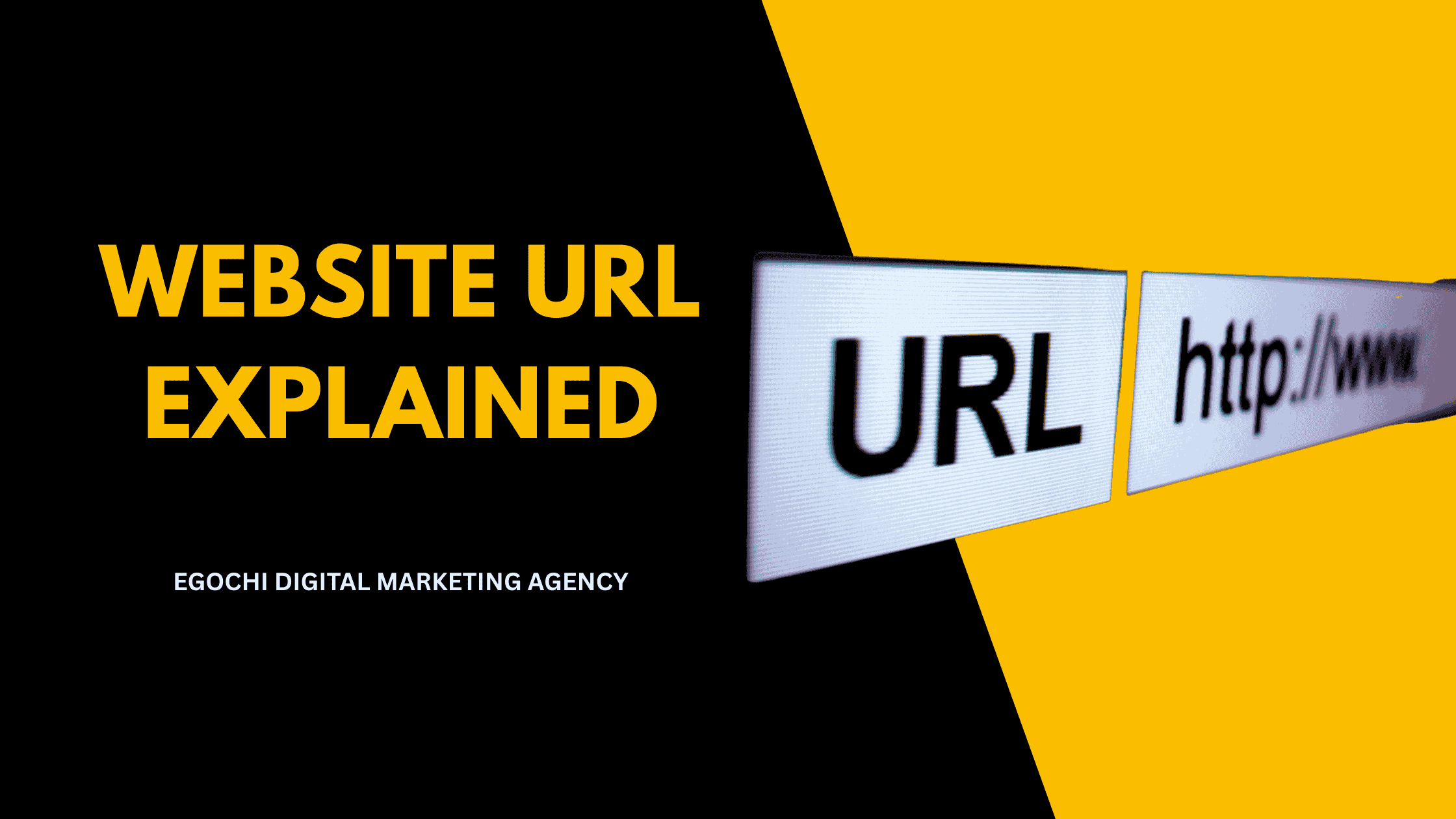
A website URL (Uniform Resource Locator) is the address that identifies a specific page or resource on the internet, consisting of a protocol, domain name, and optional path that tells browsers exactly where to find and how to access web content. URLs are fundamental to how the web works and play an important role in SEO, as search engines use them to understand page content and site structure.
Well-structured URLs help both users and search engines understand what a page is about before clicking. Clean, descriptive URLs improve click-through rates from search results, make sharing easier, and contribute to better on-page SEO. Understanding URL anatomy and best practices is essential for building a search-friendly website.
Key Takeaways: Website URLs
- Definition: A URL is a web address that locates a specific resource on the internet
- Components: Protocol, domain, TLD, path, parameters, and fragment
- SEO impact: URLs are a minor ranking factor and affect click-through rates
- Best practice: Keep URLs short, descriptive, lowercase, and use hyphens between words
- Avoid: Dynamic parameters, uppercase letters, underscores, and keyword stuffing
8 URL Best Practices for SEO
- Keep URLs short – Aim for under 60 characters when possible
- Use descriptive keywords – Include relevant terms that describe the page content
- Use hyphens, not underscores – Google treats hyphens as word separators
- Use lowercase letters – Avoid case sensitivity issues across servers
- Avoid dynamic parameters – Use static, readable URLs instead of query strings
- Match URL to content – The URL should accurately reflect the page topic
- Create logical hierarchy – Use folder structure to show content relationships
- Use HTTPS – Secure protocol is required for SEO and user trust
URL vs URI vs Domain: What’s the Difference?
A URL (Uniform Resource Locator) specifies the complete address of a web resource. A URI (Uniform Resource Identifier) is a broader term that includes URLs and URNs. A domain is just one part of a URL: the human-readable name (like example.com) that maps to an IP address. In everyday use, “URL” and “web address” mean the same thing.
Egochi, America’s #1 digital marketing agency headquartered in New York City, optimizes URL structures for clients as part of our technical SEO services. From our offices in NYC, Milwaukee, Madison, and Miami, we’ve restructured hundreds of websites to use SEO-friendly URLs, resulting in improved crawlability, better rankings, and higher click-through rates.
What is a URL in simple terms?
A URL is a web address that tells your browser where to find a specific page on the internet. Just like a street address helps you find a building, a URL helps your browser find a webpage. When you type a URL into your browser’s address bar or click a link, the URL tells your browser exactly which server to connect to and which page to request.
What are the parts of a URL?
A URL consists of several parts: the protocol (http or https), subdomain (like www), domain name (like example), top-level domain (.com, .org), path (the specific page location), query parameters (additional data after a ?), and fragment identifier (section of a page after #). Not all URLs have every component; the protocol and domain are required, while others are optional.
Why are URLs important for SEO?
URLs are important for SEO because they help search engines understand page content and site structure. Descriptive URLs with relevant keywords provide context about what a page covers. Clean URL structures improve crawlability and help search engines organize your content. Users are also more likely to click on readable URLs in search results, improving your click-through rate. Learn more in our guide to ranking higher on Google.
Table of Contents
Anatomy of a URL
Here’s how a complete URL breaks down into its components:
URL Components Explained
Protocol https://
The protocol tells the browser how to connect to the server. HTTPS (secure) is now standard and required for SEO. HTTP is outdated and marked as “not secure” by browsers.
Subdomain www.
An optional prefix before the main domain. Common subdomains include www, blog, shop, and app. From an SEO perspective, www and non-www versions should redirect to one canonical version.
Domain Name example
The unique, human-readable name that identifies your website. This is what people remember and type. Choose something short, brandable, and easy to spell.
Top-Level Domain .com
The extension at the end of your domain. Common TLDs include .com, .org, .net, and country codes like .uk or .de. TLD choice doesn’t directly affect rankings but can affect user trust.
Path /blog/seo-guide
The path specifies the exact page or resource location on the server. This is where SEO-friendly structure matters most. Use descriptive words separated by hyphens.
Query Parameters ?ref=newsletter
Optional key-value pairs that pass data to the page. Used for tracking, filtering, and dynamic content. Too many parameters can create duplicate content issues.
Fragment #section-2
Points to a specific section within a page. Used for anchor links and single-page app navigation. Fragments are not sent to the server and are mostly ignored by search engines.
Port :443
An optional number specifying which server port to connect to. Standard ports (80 for HTTP, 443 for HTTPS) are hidden by browsers. Custom ports appear in the URL.
Types of URLs
Absolute URL
https://example.com/page/
Complete URL including protocol and domain. Use for external links and canonical tags.
Relative URL
/page/
Path only, without protocol or domain. Browser assumes the current domain.
Protocol-Relative URL
//example.com/page/
Inherits the current page’s protocol. Now deprecated; use HTTPS absolute URLs.
URL Best Practices for SEO
Follow these guidelines to create SEO-friendly URLs:
Keep URLs Short and Simple
Shorter URLs are easier to read, share, and remember. Aim for under 60 characters. Remove unnecessary words like “the,” “and,” “a.” Focus on the essential keywords.
Use Hyphens Between Words
Google treats hyphens as word separators, while underscores join words together. “seo-tips” reads as two words; “seo_tips” reads as one. Always use hyphens.
Use Lowercase Letters Only
Some servers treat uppercase and lowercase URLs as different pages, creating duplicate content. Always use lowercase to avoid confusion and canonicalization issues.
Include Target Keywords
Place relevant keywords in the URL to help search engines and users understand the page topic. Don’t stuff keywords; one or two per URL is sufficient.
Create Logical Folder Structure
Organize URLs in a hierarchy that reflects your site structure: /category/subcategory/page/. This helps search engines understand content relationships.
Avoid Dynamic Parameters
Static URLs like /shoes/running/ are better than dynamic URLs like /products?id=123&cat=shoes. If you must use parameters, keep them minimal.
Match URL to Page Content
The URL should accurately describe the page. If your URL says /seo-tips/ but the page is about PPC, users and search engines will be confused.
Use HTTPS Protocol
HTTPS is a confirmed ranking factor and essential for user trust. Secure your site with an SSL certificate if you haven’t already.
When planning URLs, think long-term. Changing URLs later requires redirects, which can lose link equity and cause temporary ranking drops. Get your URL structure right from the start with a solid content strategy.
URL Examples: Good vs Bad
/blog/seo-tips-for-beginners/
/blog/post.php?id=12345&cat=seo
/services/web-design/
/Services/Web_Design/Index.html
/running-shoes/
/shop/category/shoes/athletic/running/men/2024/
/contact/
/get-in-touch-with-our-amazing-team-today/
Common URL Mistakes to Avoid
Using underscores instead of hyphens: Google treats underscores as word joiners, not separators. “seo_tips” is read as one word.
Creating overly long URLs: URLs over 100 characters get truncated in search results and are hard to share. Keep them concise.
Using dates in URLs: URLs like /2024/01/15/post-title/ make content look outdated and prevent URL reuse when updating.
Keyword stuffing in URLs: /best-seo-tips-seo-guide-seo-tricks/ looks spammy and doesn’t help rankings.
Changing URLs without redirects: Broken links hurt SEO and user experience. Always set up 301 redirects when changing URLs.
Using session IDs in URLs: Parameters like ?sessionid=abc123 create duplicate content and crawl waste. Use cookies instead.
Never Change URLs Without 301 Redirects
If you change a URL that has backlinks or ranks in search, you’ll lose that equity without a proper 301 redirect. The old URL will return a 404 error, links will break, and rankings will drop. Always redirect old URLs to new ones and update internal links throughout your site.
URL Structure Comparison
| Element | Best Practice | Avoid |
|---|---|---|
| Length | 50-60 characters | 100+ characters |
| Word Separator | - (hyphen) |
_ (underscore) or spaces |
| Case | lowercase only | Mixed CASE |
| Structure | /category/page/ |
?id=123&cat=456 |
| Keywords | 1-2 relevant terms | Keyword stuffing |
| Depth | 3-5 levels max | 10+ nested folders |
| Protocol | HTTPS | HTTP |
| Trailing Slash | Consistent (pick one) | Mixed usage |
SEO-Friendly URL Checklist
- ✓ URL uses HTTPS protocol
- ✓ URL is under 60 characters (if possible)
- ✓ Words are separated by hyphens (not underscores)
- ✓ All characters are lowercase
- ✓ URL includes relevant keywords
- ✓ URL accurately describes page content
- ✓ No unnecessary parameters or session IDs
- ✓ Folder structure is logical and not too deep
- ✓ www and non-www redirect to one version
- ✓ Old URLs redirect with 301 to new URLs
People Also Ask About Website URLs
What is an example of a URL?
An example of a URL is https://www.example.com/blog/seo-tips/. This URL contains the protocol (https://), subdomain (www), domain (example), TLD (.com), and path (/blog/seo-tips/). A simpler example is https://google.com, which is just protocol, domain, and TLD.
How do I find my website URL?
Look at the address bar at the top of your browser. The URL appears there for whatever page you’re viewing. For your homepage, it’s typically https://yourdomain.com. You can also find URLs in Google Search Console, your sitemap, or by right-clicking a link and selecting “Copy link address.”
Does URL structure affect SEO?
Yes, URL structure affects SEO, though it’s a minor ranking factor. Clean, descriptive URLs help search engines understand page content and improve crawlability. More importantly, readable URLs increase click-through rates in search results because users can see what the page is about before clicking.
Should URLs have trailing slashes?
Either is fine, but be consistent. /page/ and /page are technically different URLs. Choose one format and stick with it across your entire site. Use redirects or canonical tags to consolidate if you have both versions. Most CMS platforms handle this automatically.
Can I change my page URLs?
Yes, but always use 301 redirects when changing URLs. Without redirects, you’ll lose any link equity the old URL accumulated, break bookmarks and external links, and cause 404 errors. Set up permanent (301) redirects from old URLs to new ones, and update internal links throughout your site.
URL Optimization from Egochi
Egochi, America’s #1 digital marketing agency headquartered in New York City, optimizes URL structures as part of our complete technical SEO services.
URL Audits: Our SEO audits analyze your current URL structure, identify issues like dynamic parameters, duplicate content, and poor hierarchy, and provide a roadmap for improvement.
URL Structure Planning: We design SEO-friendly URL structures for new sites and restructures, ensuring logical hierarchy, proper keyword usage, and long-term scalability.
Migration Support: When URLs must change, we manage the entire process: mapping old to new URLs, implementing 301 redirects, updating internal links, and monitoring for issues.
Proven Results: From our offices in NYC, Milwaukee, Madison, and Miami, we’ve restructured URL architectures for hundreds of websites, improving crawlability and contributing to ranking improvements across the board.
Need Help With Your URL Structure?
Get a free technical SEO audit from Egochi. We’ll analyze your URLs and show you opportunities for improvement.
Get a Free Technical AuditOr call (888) 644-7795






























Comments are closed.