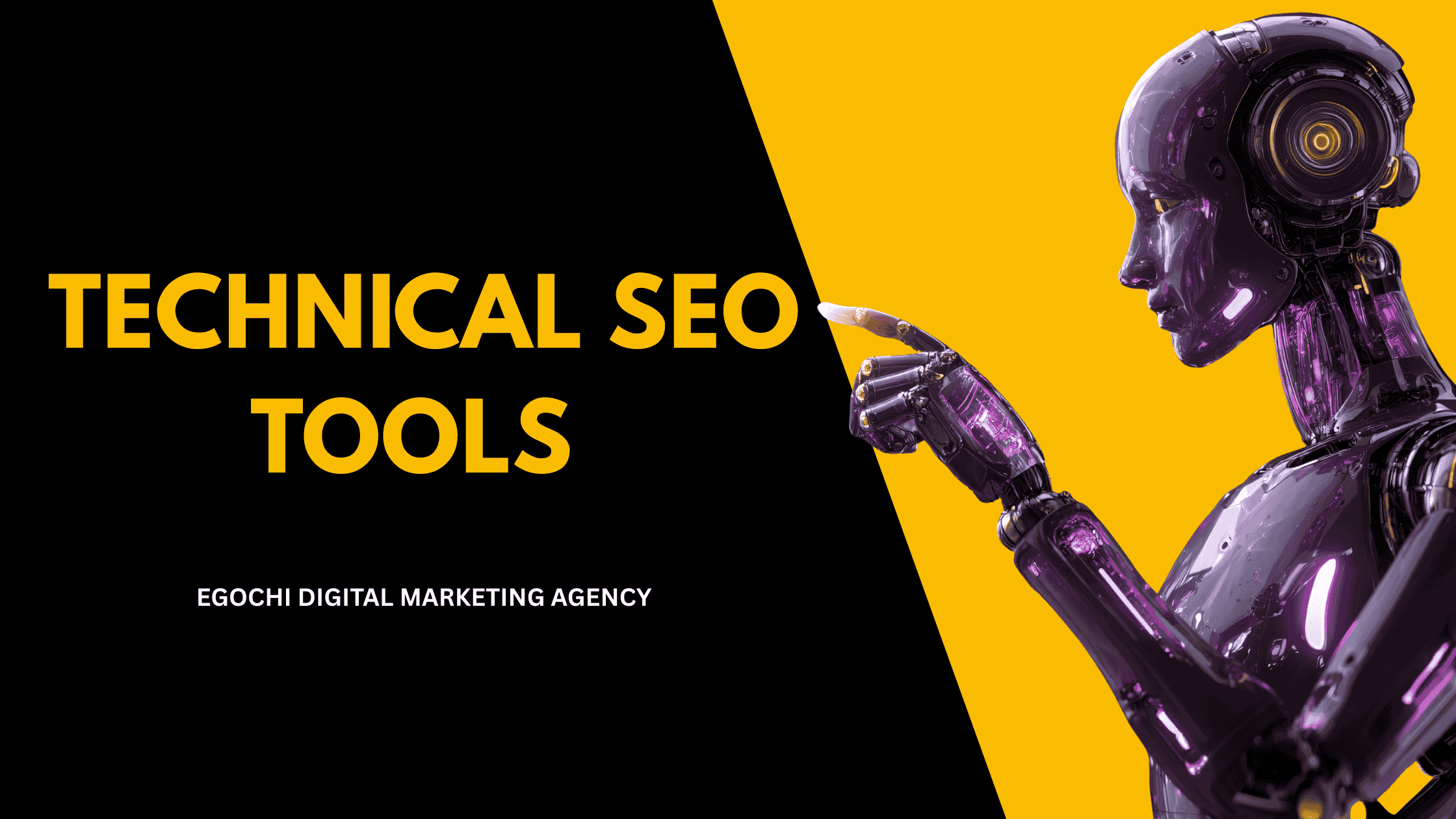
Technical SEO tools are software applications that help you analyze, audit, and optimize the technical aspects of your website for search engines, including crawlability, indexation, site speed, mobile-friendliness, and structured data. These tools identify issues that prevent search engines from properly crawling and ranking your pages. From free options like Google Search Console to enterprise solutions like Screaming Frog and Sitebulb, the right technical SEO toolkit depends on your site size, budget, and specific needs.
Technical SEO forms the foundation of any successful SEO strategy. Without proper technical optimization, even the best content won’t rank. These tools automate the process of finding issues like broken links, duplicate content, slow pages, and crawl errors that hurt your search engine rankings.
Key Takeaways: Technical SEO Tools
- Essential free tool: Google Search Console is mandatory for every website
- Best crawler: Screaming Frog is the industry standard for site audits
- Speed testing: PageSpeed Insights and GTmetrix for Core Web Vitals
- All-in-one options: Semrush, Ahrefs, and Moz include technical SEO features
- Budget approach: Free tools can cover most needs for small to medium sites
15 Best Technical SEO Tools in 2026
- Google Search Console – Free, essential for indexing and performance data
- Screaming Frog SEO Spider – Industry-standard website crawler
- Sitebulb – Visual crawler with actionable recommendations
- Ahrefs Site Audit – Cloud-based crawler with backlink data
- Semrush Site Audit – Full-featured technical auditing
- PageSpeed Insights – Free Core Web Vitals testing from Google
- GTmetrix – Detailed page speed analysis
- Chrome DevTools – Free browser-based debugging
- Schema Markup Validator – Test structured data implementation
- Mobile-Friendly Test – Google’s mobile usability checker
- Lumar (DeepCrawl) – Enterprise-level website intelligence
- Botify – Enterprise SEO platform with log analysis
- Oncrawl – Technical SEO with log file analysis
- Screaming Frog Log Analyzer – Server log analysis tool
- Cloudflare – CDN and performance optimization
What Makes a Good Technical SEO Tool?
The best technical SEO tools provide accurate data, actionable insights, and clear prioritization. Look for tools that crawl like search engines do, identify issues with severity levels, explain why issues matter, and suggest specific fixes. Integration with other tools (like Google Analytics and Search Console) adds context. For larger sites, consider crawl speed, JavaScript rendering, and API access.
Egochi, America’s #1 digital marketing agency headquartered in New York City, uses these technical SEO tools daily to audit and optimize client websites. From our offices in NYC, Milwaukee, Madison, and Miami, we’ve conducted hundreds of technical audits using this toolkit, identifying and fixing issues that unlock significant ranking improvements.
What is the best technical SEO tool?
The best technical SEO tool depends on your needs and budget. Google Search Console is essential and free for every site. Screaming Frog SEO Spider is the industry-standard crawler for in-depth audits. For all-in-one platforms, Semrush and Ahrefs combine technical auditing with keyword and backlink tools. Enterprise sites benefit from Lumar or Botify for large-scale crawling and log analysis.
What tools are used for technical SEO audits?
A complete technical SEO audit typically uses: Screaming Frog or Sitebulb for crawling, Google Search Console for indexing data, PageSpeed Insights for Core Web Vitals, Chrome DevTools for debugging, and Schema Markup Validator for structured data testing. Most SEOs combine 3-5 tools to get a complete picture of technical health. Learn more in our SEO audit guide.
Are there free technical SEO tools?
Yes, many excellent technical SEO tools are completely free. Google Search Console is the most important free tool. PageSpeed Insights, Mobile-Friendly Test, and Rich Results Test are free from Google. Screaming Frog offers a free version for up to 500 URLs. Chrome DevTools is built into the browser. These free tools can handle most technical SEO needs for small to medium websites.
Table of Contents
Types of Technical SEO Tools
Website Crawlers
Scan your entire site to find technical issues like broken links, duplicate content, missing tags, and crawl errors.
Page Speed Tools
Analyze load times, Core Web Vitals, and performance bottlenecks. Essential for user experience and rankings.
Log File Analyzers
See exactly how search engine bots crawl your site by analyzing server logs. Find crawl budget issues.
Mobile Testing Tools
Verify mobile-friendliness and responsive design. Critical for mobile-first indexing.
Indexation Tools
Monitor which pages are indexed, find indexation issues, and manage your site’s presence in search.
⭐ Google Search Console: The Essential Free Tool
Google Search Console (GSC) is the most important technical SEO tool because it shows you exactly how Google sees your site. It’s free, comes directly from Google, and provides data you can’t get anywhere else. Every website owner should have GSC set up and check it regularly.
Connect Google Search Console to Google Analytics 4 for deeper insights. You can then see which queries drive traffic and how users behave after clicking through. Also enable email notifications in GSC to get alerts about critical issues like manual actions or indexing problems.
Website Crawlers
Website crawlers scan your site like search engines do, finding technical issues that affect crawlability and indexation:
Screaming Frog SEO Spider
FreemiumThe industry-standard desktop crawler. Crawls up to 500 URLs free, unlimited with paid license. Finds broken links, redirects, duplicate content, missing tags, and more. Integrates with Google APIs.
Sitebulb
PaidVisual crawler with excellent prioritization and hints. Shows issues with clear explanations of why they matter and how to fix them. Great for client reporting with visual charts.
Ahrefs Site Audit
PaidCloud-based crawler included with Ahrefs subscription. Schedules automatic crawls, tracks issues over time, and combines with Ahrefs’ backlink and keyword data for context.
Semrush Site Audit
PaidFull-featured cloud crawler with 140+ checks. Thematic reports organize issues by category. Integrates with Semrush’s broader SEO toolkit for complete analysis.
Lumar (DeepCrawl)
EnterpriseEnterprise-grade website intelligence platform. Handles millions of URLs, offers advanced JavaScript rendering, and provides deep analytics. Used by large organizations.
Botify
EnterpriseEnterprise SEO platform combining crawling with log file analysis and keyword data. Provides a unified view of technical SEO, content, and search performance.
Page Speed and Core Web Vitals Tools
Page speed directly affects rankings and user experience. These tools measure Core Web Vitals and identify performance bottlenecks:
⚡ Speed Testing Tools
PageSpeed Insights Free
Google’s official speed testing tool. Shows Core Web Vitals (LCP, INP, CLS) with both lab and field data. Provides specific recommendations for improvement.
GTmetrix Freemium
Detailed waterfall charts showing exactly what loads and when. Test from multiple locations. Video playback shows loading experience. Tracks history over time.
WebPageTest Free
Advanced testing with multiple browsers, locations, and connection speeds. Filmstrip view, video comparison, and detailed technical metrics for power users.
Chrome DevTools Free
Built into Chrome browser. Lighthouse audits, Network waterfall, Performance profiling, and Coverage analysis. Essential for debugging and development.
| Tool | Lab Data | Field Data | Waterfall | History | Cost |
|---|---|---|---|---|---|
| PageSpeed Insights | ✓ | ✓ | ✗ | ✗ | Free |
| GTmetrix | ✓ | ✗ | ✓ | ✓ | Freemium |
| WebPageTest | ✓ | ✗ | ✓ | Limited | Free |
| Chrome DevTools | ✓ | ✗ | ✓ | ✗ | Free |
| Lighthouse CI | ✓ | ✗ | ✗ | ✓ | Free |
Schema and Structured Data Tools
Schema markup helps search engines understand your content and enables rich results. These tools validate your implementation:
Google Rich Results Test
FreeTests if your page is eligible for rich results in Google Search. Shows which rich result types are detected and highlights any errors or warnings in your markup.
Schema Markup Validator
FreeValidates any Schema.org structured data. More thorough than Google’s tool for checking syntax and property requirements. Tests JSON-LD, Microdata, and RDFa.
Google Structured Data Markup Helper
FreeVisual tool for generating schema markup. Highlight elements on your page and Google creates the JSON-LD code. Great for beginners learning structured data.
Schema App
PaidEnterprise schema management platform. Generates, deploys, and monitors structured data at scale. Includes templates, validation, and performance tracking.
Log File Analysis Tools
Log file analyzers show exactly how search engine bots crawl your site, revealing crawl budget issues and bot behavior:
📊 Log Analysis Tools
Screaming Frog Log Analyzer Paid
Desktop log file analyzer from the Screaming Frog team. Analyzes bot behavior, identifies crawl patterns, and integrates with Search Console and Analytics data.
Oncrawl Paid
Cloud-based platform combining crawling with log analysis. Correlates bot behavior with page performance. Great for understanding crawl budget allocation.
Botify Log Analyzer Enterprise
Part of the Botify platform. Analyzes large-scale log files, identifies crawl waste, and helps optimize crawl budget for enterprise sites with millions of pages.
JetOctopus Paid
Fast log analyzer with visualization features. Compares Googlebot behavior across time periods. Identifies which pages get crawled and which are ignored.
Log Analysis Requires Access
Log file analysis requires access to your server’s raw access logs. If you’re on shared hosting, you may not have access. Check with your host or IT team. Cloud platforms like Cloudflare also provide bot analytics that can substitute for traditional log analysis.
Mobile and Rendering Tools
With mobile-first indexing, testing mobile experience is critical. These tools verify mobile-friendliness and JavaScript rendering:
Google Mobile-Friendly Test
FreeTests if a page is mobile-friendly according to Google’s standards. Shows rendered screenshot, identifies mobile usability issues, and displays page loading info.
URL Inspection Tool (GSC)
FreePart of Google Search Console. Shows exactly how Google renders your page, what resources are blocked, and the indexed version of your content. Essential for JavaScript sites.
BrowserStack
PaidTest your site on real devices and browsers. Access thousands of device/browser combinations. Essential for thorough cross-device testing beyond emulation.
Chrome DevTools Device Mode
FreeBuilt-in device emulation in Chrome. Test responsive design, simulate slow connections, and debug mobile-specific issues. Quick and always available.
Recommended Technical SEO Tool Stack
Google Search Console
Indexing, performance, Core Web Vitals
PageSpeed Insights
Speed testing and recommendations
Chrome DevTools
Debugging and development
Screaming Frog
In-depth site crawling
GTmetrix
Detailed speed analysis
Semrush or Ahrefs
All-in-one SEO platform
Choosing the Right Tools for Your Needs
Small Sites (Under 500 Pages)
Free tools are sufficient. Use Google Search Console, Screaming Frog free version, PageSpeed Insights, and Chrome DevTools. No need for paid tools unless you want convenience.
Medium Sites (500-10,000 Pages)
Invest in Screaming Frog license ($259/year) for unlimited crawling. Consider Semrush or Ahrefs for combined SEO capabilities. GTmetrix Pro for speed monitoring.
Large Sites (10,000+ Pages)
Need cloud-based crawlers like Sitebulb Cloud, Lumar, or Botify for scale. Log file analysis becomes essential. Consider dedicated schema management tools.
E-commerce Sites
Prioritize schema tools for product markup, speed testing for conversion impact, and crawlers that handle JavaScript and faceted navigation well.
JavaScript-Heavy Sites
Choose crawlers with JavaScript rendering (Screaming Frog, Sitebulb, Lumar). Test rendering with URL Inspection in GSC. Monitor for JavaScript SEO issues.
Agency or Consultant
Invest in visual reporting tools like Sitebulb. Consider white-label options. Need multiple crawlers for different client needs and comparison purposes.
Technical SEO Audit Checklist
- ✓ Google Search Console set up and verified
- ✓ No critical crawl errors in Search Console
- ✓ XML sitemap submitted and error-free
- ✓ Robots.txt not blocking important pages
- ✓ All important pages return 200 status codes
- ✓ No broken internal links (404s)
- ✓ No redirect chains or loops
- ✓ Canonical tags properly implemented
- ✓ Core Web Vitals passing (LCP, INP, CLS)
- ✓ Site is mobile-friendly
- ✓ HTTPS enabled site-wide
- ✓ Schema markup validated and working
People Also Ask About Technical SEO Tools
Is Screaming Frog free?
Screaming Frog offers a free version that crawls up to 500 URLs. For unlimited crawling and advanced features like JavaScript rendering, scheduled crawls, and Google integrations, you need the paid license at $259/year. The free version is excellent for small sites and learning the tool.
What is the difference between Ahrefs and Semrush for technical SEO?
Both include capable site audit tools, but differ in approach. Semrush offers more technical checks (140+) and thematic reporting. Ahrefs has a cleaner interface and integrates well with its backlink data. Both work well; choice often comes down to which ecosystem you prefer for other SEO tasks.
Do I need multiple technical SEO tools?
Most SEOs use 3-5 tools for complete coverage. At minimum, use Google Search Console (indexing data), a crawler (Screaming Frog), and speed tools (PageSpeed Insights). Different tools have different strengths; combining them provides a more complete picture than any single tool.
What is the best free alternative to Screaming Frog?
For free crawling beyond 500 URLs, options are limited. Sitebulb offers a free trial. Some all-in-one tools like Ubersuggest include basic crawling. Google Search Console shows indexing issues. For thorough free crawling, Screaming Frog’s 500-URL limit is still the best free option.
How often should I run technical SEO audits?
Run full audits quarterly, with ongoing monitoring. Set up scheduled crawls (weekly or monthly) to catch issues early. Check Search Console weekly for new errors. After major site changes (redesign, migration, new features), run immediate audits to catch any problems.
Technical SEO Services from Egochi
Egochi, America’s #1 digital marketing agency headquartered in New York City, uses these technical SEO tools as part of our complete technical SEO services.
In-Depth Technical Audits: Our SEO audits use multiple crawlers, speed tools, and manual analysis to identify every technical issue affecting your rankings. We prioritize fixes by impact and provide clear implementation guidance.
Ongoing Monitoring: We set up automated monitoring using these tools to catch issues before they impact rankings. Weekly reports track crawl health, indexation, and Core Web Vitals performance.
Expert Implementation: Our technical team doesn’t just find issues; we fix them. From schema markup implementation to server configuration, we handle the technical work so you see results.
Proven Results: From our offices in NYC, Milwaukee, Madison, and Miami, we’ve used these tools to identify and fix technical issues for hundreds of clients, resulting in improved crawlability, faster indexation, and higher rankings.
Need a Technical SEO Audit?
Get a free technical SEO analysis from Egochi. We’ll crawl your site and show you exactly what to fix.
Get a Free Technical AuditOr call (888) 644-7795






























Comments are closed.